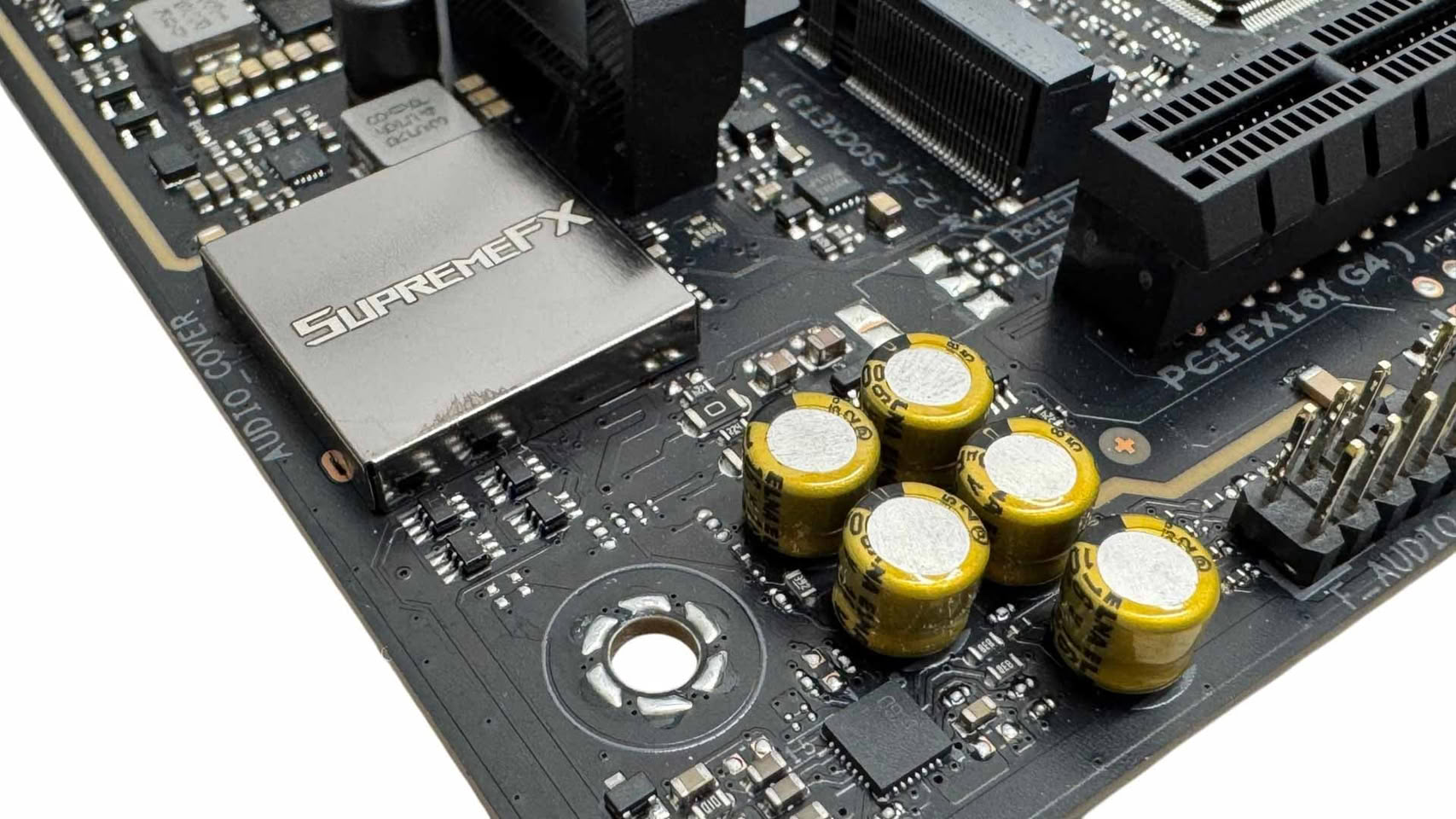
Understanding USB Audio Codecs on Intel and AMD Platforms
The evolution of onboard audio solutions has been shaped by both hardware innovation and platform design choices. While hardware-accelerated audio in Windows 11 has opened new possibilities for reducing DPC (Deferred Procedure Call) latency, the way motherboard manufacturers implement audio codecs—especially USB-based ones—varies significantly between Intel and AMD platforms. This difference impacts audio quality, latency, and the overall user experience, particularly for audiophiles and professionals.
The Legacy of Intel Azalia HDA and Platform Architecture
Intel’s “Azalia” High Definition Audio (HDA) bus, introduced in the early 2000s, set a high standard for onboard audio by supporting 24-bit/192 kHz playback with low latency. The HDA bus is typically routed from the Platform Controller Hub (PCH), Intel’s chipset, ensuring a direct and efficient path for audio data between the system and the DAC (Digital-to-Analog Converter).
In contrast, AMD’s approach places the HDA bus on the SoC (System on Chip) rather than the chipset (FCH). This design stems from AMD’s “SoC first” philosophy, where modern Ryzen processors integrate not only PCIe lanes but also USB and SATA connectivity. The chipset supplements these connections, but the core platform connectivity—including the HDA bus—originates from the processor itself.
DPC Latency Spikes: Why They Matter for Audio
DPC latency spikes occur when a hardware component or driver monopolizes CPU resources, delaying other critical system processes. In Windows, this can result in dropped frames, input lag, and audio artifacts such as crackling or popping—especially during real-time audio playback. For example, simultaneous heavy data transfers over NVMe SSDs and Wi-Fi can congest the chipset bus, potentially causing audible issues if the audio interface is routed through the same path.
Intel DMI vs. AMD PCIe: The Chipset Bus Difference
The key distinction between Intel and AMD platforms lies in their chipset bus architecture. Intel uses the Direct Media Interface (DMI), which, while physically similar to PCIe, incorporates a protocol layer with hardware Quality of Service (QoS) features. These features prioritize latency-sensitive traffic—such as audio streams, USB controller interrupts, and network packets—over bulk data transfers, ensuring smooth audio performance even under heavy system load.
AMD, on the other hand, uses standard PCIe as the chipset bus, which lacks the same level of hardware QoS for isochronous data. To mitigate this, AMD routes the HDA interface directly through the SoC, leveraging the Infinity Fabric’s advanced protocol and QoS controls for internal data transfers.
The Shift to USB Audio Codecs
As professional audio standards advanced to 32-bit/384 kHz and DSD playback, the bandwidth limitations of the traditional HDA bus became apparent. Intel responded by guiding audio codec manufacturers toward USB-based solutions. Modern USB audio codecs, such as the Realtek ALC4082 and ALC4080, support higher resolutions and are integrated via USB 2.0 ports on Intel chipsets. The DMI’s QoS features help maintain low-latency, high-fidelity audio even when the system is under load.
On AMD’s Socket AM5 motherboards, USB audio codecs are typically connected to USB 2.0 ports on the chipset (FCH). Since the chipset communicates with the SoC over standard PCIe, there is a slightly increased risk of DPC latency spikes affecting audio quality, especially during periods of heavy data transfer.
Motherboard Design Choices and Audio Quality
While the AM5 SoC does provide a limited number of USB ports directly from its on-chip controllers, motherboard manufacturers often reserve these high-bandwidth USB 3.2 Gen 2 ports for rear I/O rather than dedicating them to audio codecs. This is a practical decision, as audio codecs require far less bandwidth than what these ports offer.
High-end AM5 motherboards often opt for premium HDA codecs like the Realtek ALC1220S or ALC1220P, sometimes pairing them with high-SNR DACs from brands like ESS for specific channels. While these solutions may not support native 32-bit or DSD playback, they can still deliver exceptional signal-to-noise ratios—up to 130 dB—within the 24-bit/192 kHz class.
Real-World Impact of DPC Latency on Audio
For most users, DPC latency spikes are unlikely to cause significant audio issues unless the system is under extreme load or affected by poorly optimized drivers. The majority of users will find high-quality HDA implementations, such as the ALC1220, more than sufficient for everyday use. However, for discerning audiophiles and music professionals, the move to high-resolution USB audio codecs on PC motherboards is about achieving the best possible fidelity—and ensuring the underlying system architecture supports it.